At home, straight from the tuner
On the same network as your HDHomeRun, Beamaway finds it and plays channels directly — no computer in between. Broadcast MPEG-2 video and AC-3 audio play as they come off the air.
 beamaway
For HDHomeRun tuners
Your channels. Your screen. Watch the antenna TV your HDHomeRun picks up on iPhone, iPad, Apple TV and Mac — at home straight from the tuner, or anywhere through a relay on your own Mac.
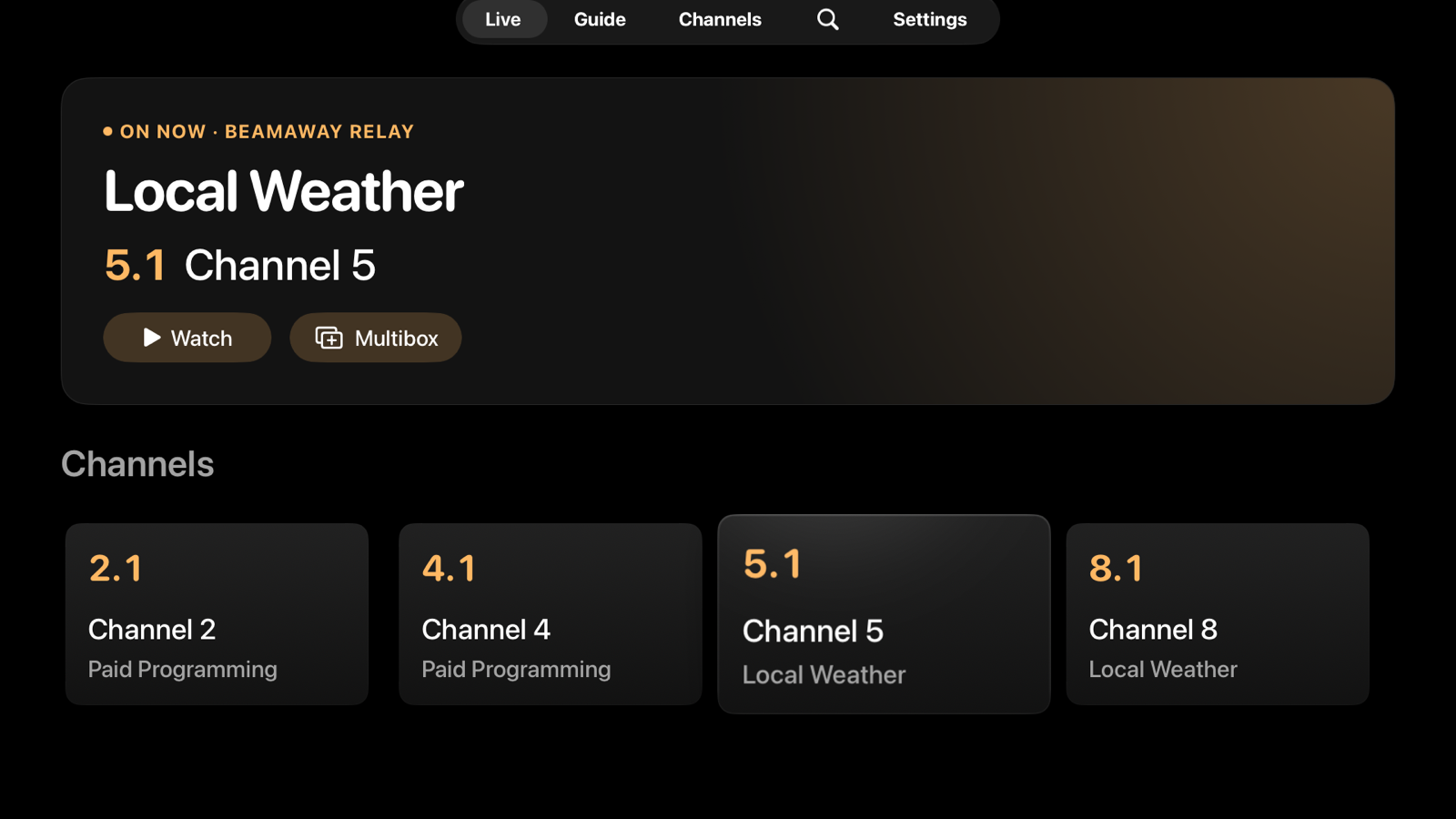
On the same network as your HDHomeRun, Beamaway finds it and plays channels directly — no computer in between. Broadcast MPEG-2 video and AC-3 audio play as they come off the air.
Turn on Enable relay in Beamaway for Mac and it streams your tuner to your phone, tablet and TV wherever you are, at the quality your connection can carry. It runs on your Mac, at your own address.
Invite family with a link that has its own limit and expiry, and end anyone's access at any time. Set up an Apple TV by scanning the code on screen with your phone.
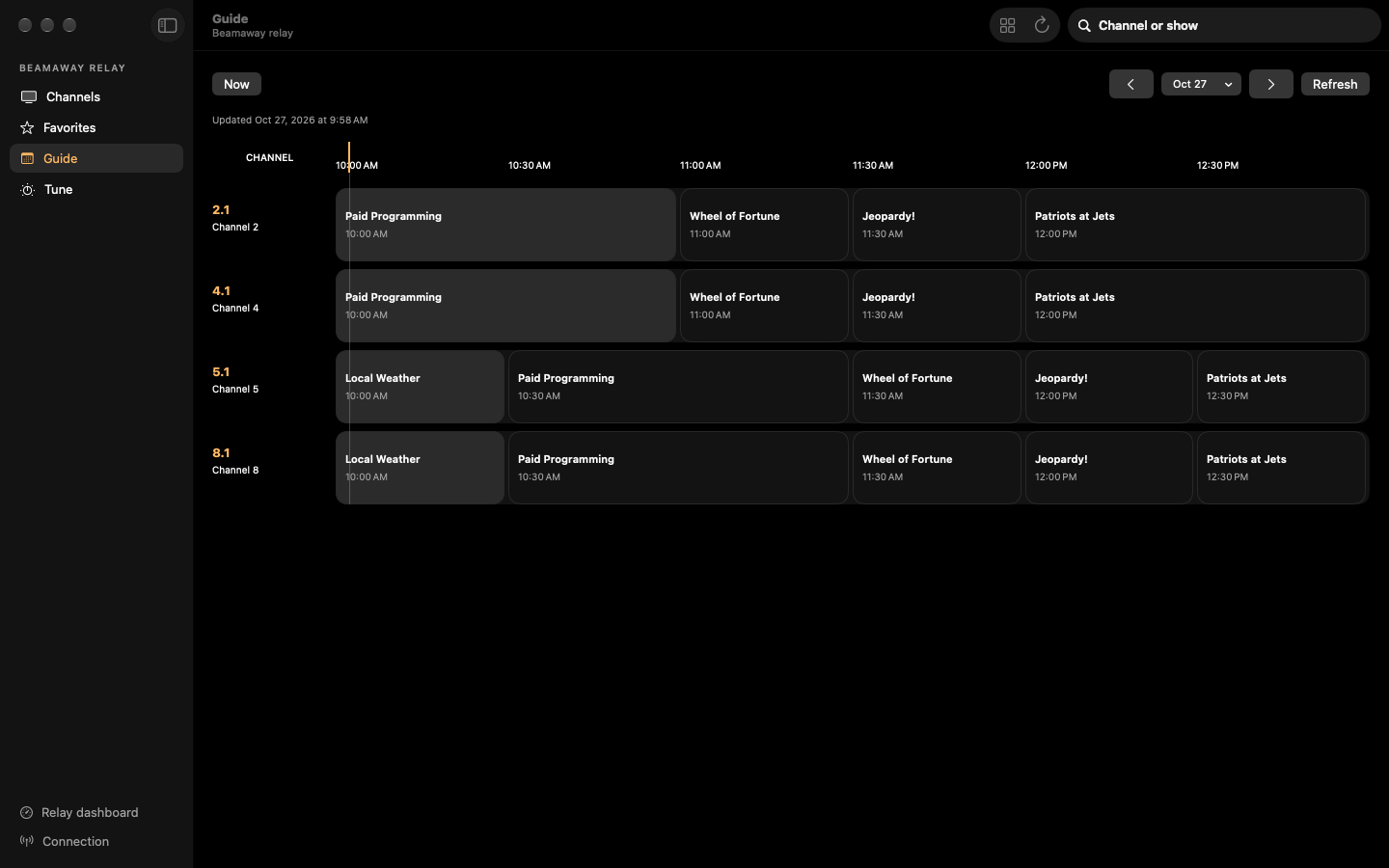
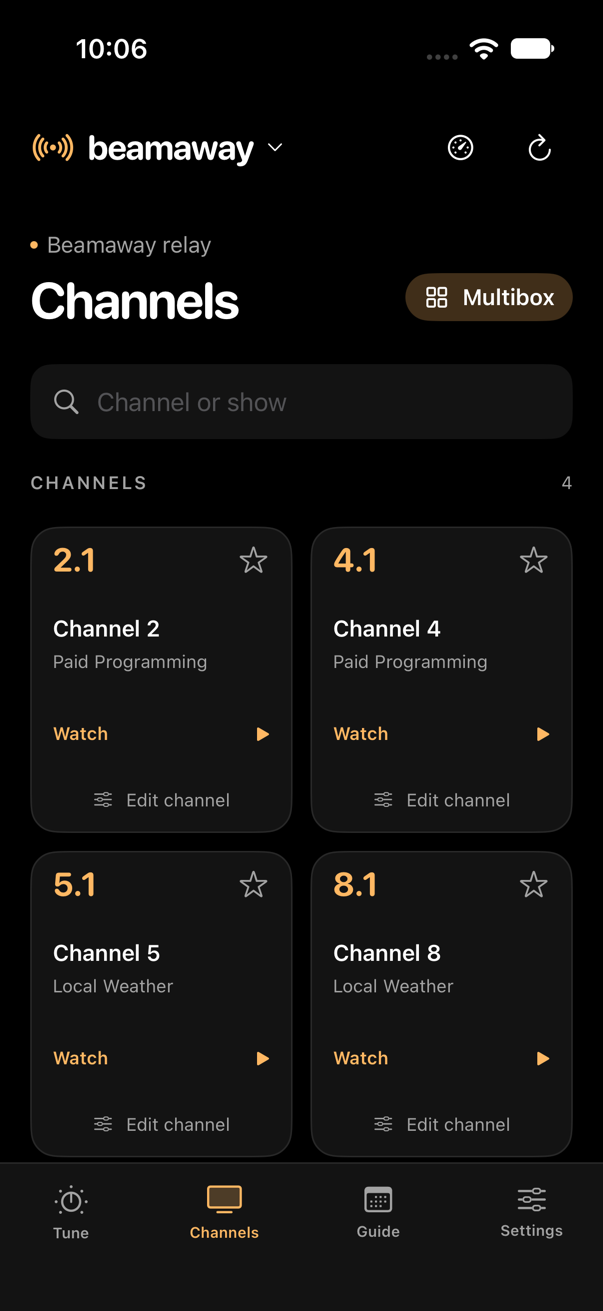
Watch, and host the relay for everyone else. Requires macOS 14 or later.
In testing. Requires iOS 17, iPadOS 17 or tvOS 17.
You need an HDHomeRun network tuner on your home network and an antenna. Copy-protected channels can't be played. Beamaway isn't affiliated with SiliconDust, maker of HDHomeRun.
Beamaway plays broadcast video with VLCKit by VideoLAN, under the GNU LGPL 2.1 or later. Its complete source and build script are published.